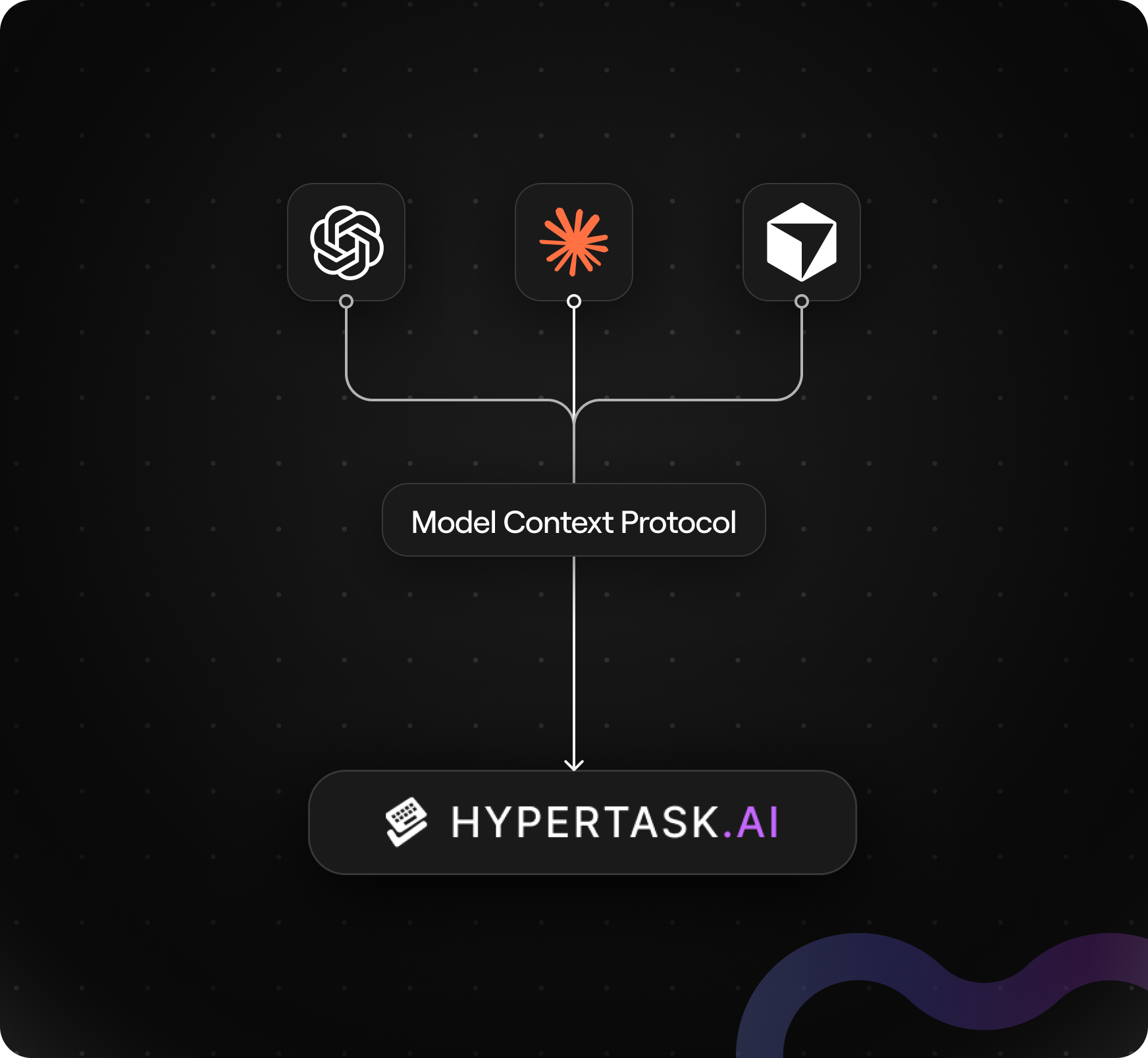
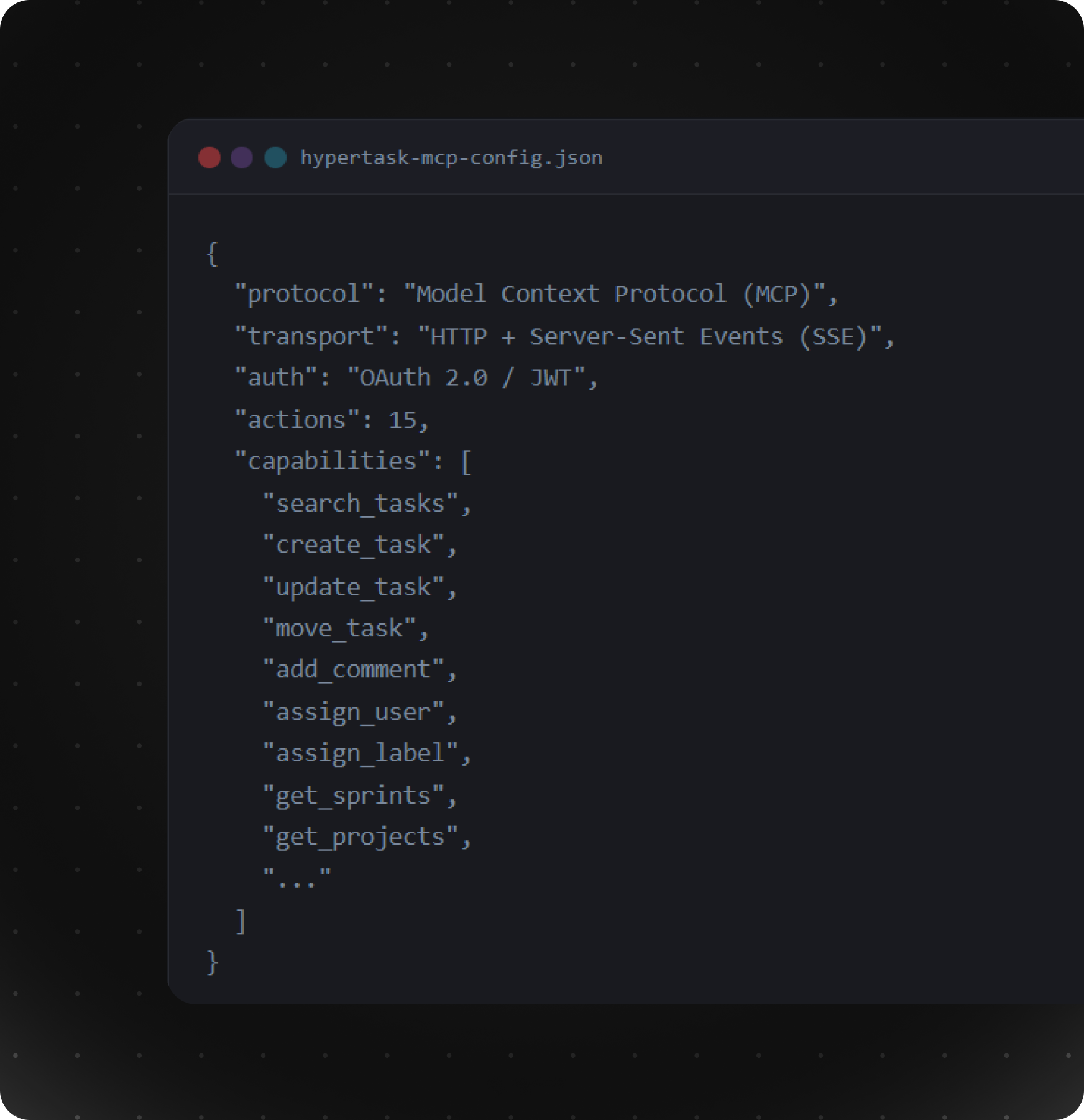
Hypertask MCP connects AI assistants to your task manager so you can manage tasks in natural language.
Model Context Protocol (MCP) is an open standard that lets AI assistants—like Claude, ChatGPT, or Cursor—connect to your tools and data. Instead of copying and pasting, you talk to your AI in plain language and it works with your real apps.
Think of it as a universal plug: your AI can read from and write to your task manager, CRM, or database—as long as the app supports MCP. MCP was created by Anthropic and is adopted by many AI and productivity tools.
Every time you leave your editor to update a ticket, you lose focus. MCP eliminates that friction.
Manage your entire workflow with natural language commands.
“Find all tasks assigned to me in Sprint 12”
“Add a comment to HTPR-3632 saying this is ready for review”
“Assign HTPR-3640 to Sarah”
“Move HTPR-3632 to Review column”
“Create a bug ticket for the login redirect issue”
“Add the urgent label to HTPR-3645”
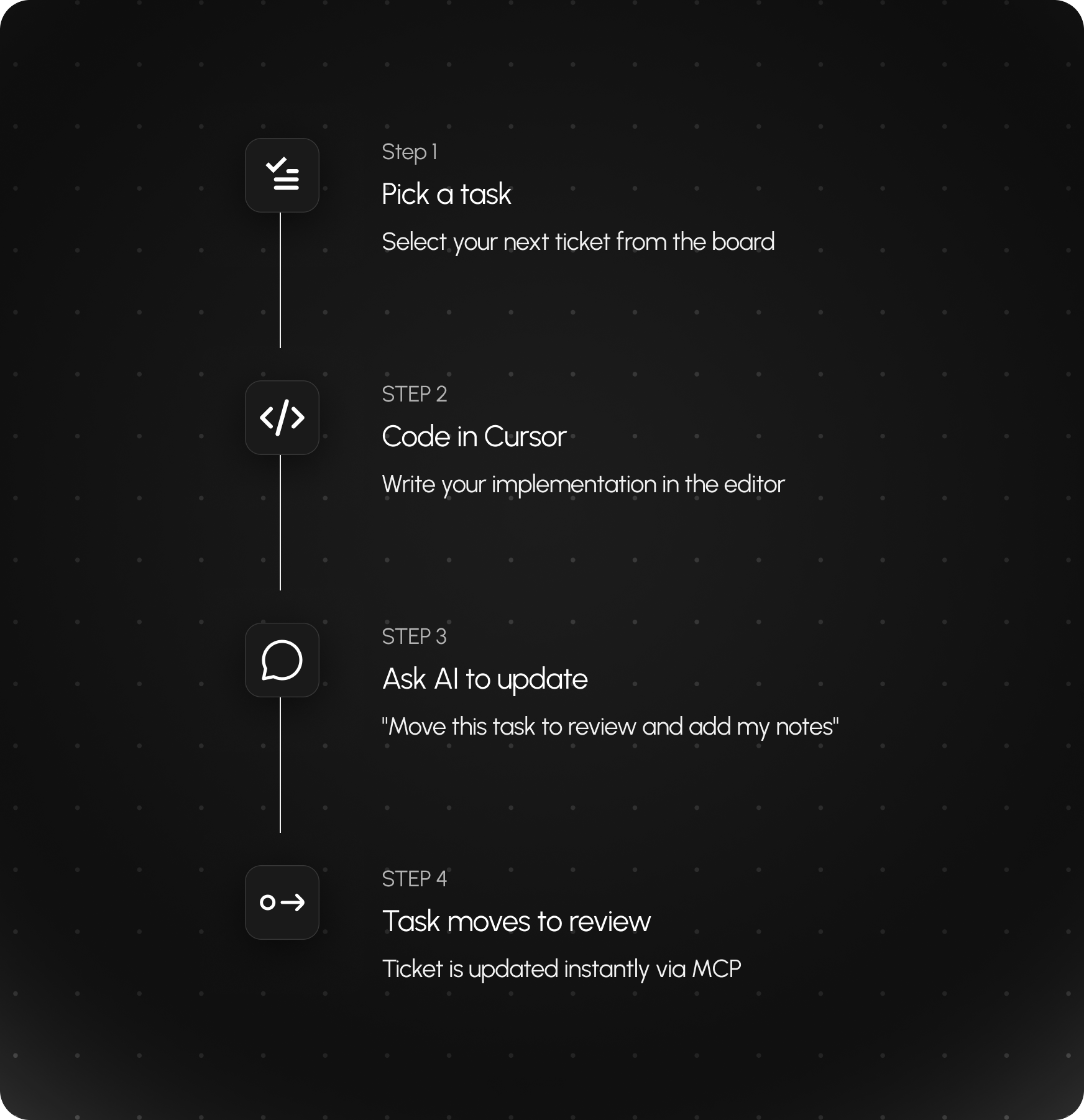
Hypertask + MCP is especially strong for developers. Connect MCP to Cursor or Claude Code, and you get a single workflow: code in your editor and update tickets in the same place. No switching to a browser or another app.
The flow:- Pick up a task from your board- Work on the codebase in Cursor or Claude Code- When you’re done, ask your AI: “Add a comment to HTPR 3631 with the fix summary and move it to Review”- The AI updates the ticket while you stay in your editor
You ship code and keep tickets in sync without leaving your IDE. That’s why it’s a natural fit for dev teams using Cursor or Claude Code

Connect through any MCP-compatible client.
From solo coding to team standups, MCP fits right in.
Pick a task, code the fix, update the ticket — all from your editor.
Add notes, change status, or reassign tasks without breaking your flow.
Quickly create tickets and assign action items using natural language.
Tag teammates, add comments, and keep everyone in sync — hands-free.
Your data stays yours. Always.
Industry-standard OAuth 2.0 flow. No passwords stored.
Grant only the permissions your workflow needs.
Data is fetched only when requested — nothing is cached.
Revoke access instantly from your Hypertask settings.
Connect your AI assistant to Hypertask in under a minute. No code required